
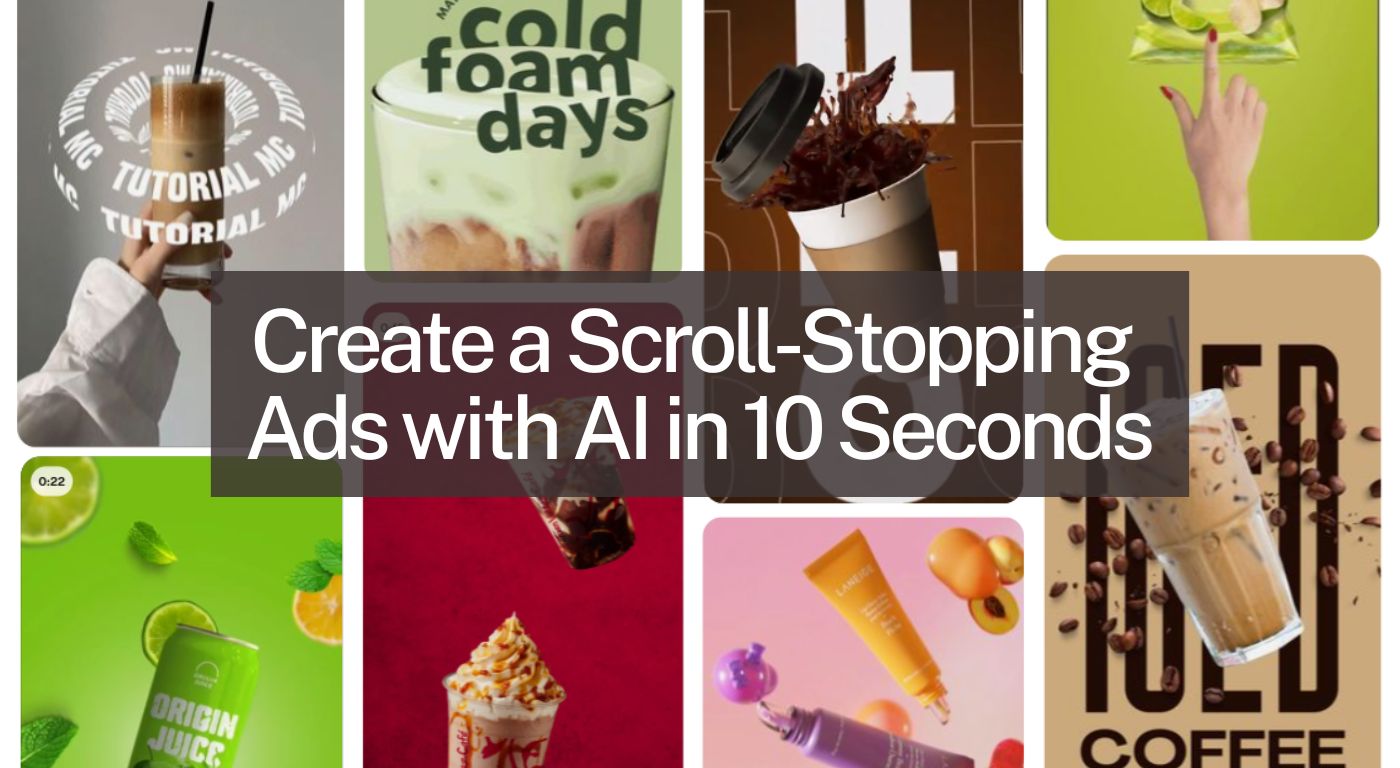

The simplest truth about marketing that nobody tells you is: the video should be the least difficult part of the entire process…but it never is. At least not until now.
Because Higgsfield just executed the ultimate power move with generative AI. Higgsfield Click to AD introduced a system in which your whole video literally comes from one link and one click. No dragging clips. No timelines. No 47 layers. Just that strangely pleasing moment when you paste a URL and see an ad put together as if it’s speed-running your workload.
This is the kind of tool that makes you think at once: “No way… why am I still doing manual editing?” And that’s precisely the atmosphere we’re bringing to this blog.
Your Step-by-Step Guide: From Link to Video in Minutes (Click to AD)
Here’s the way of doing it:
- Select & copy your product or landing-page URL
Ensure that it showcases the images and brand identity you wish to be visible in your video.
- Paste the URL into Higgsfield’s “Click to Ad” engine.
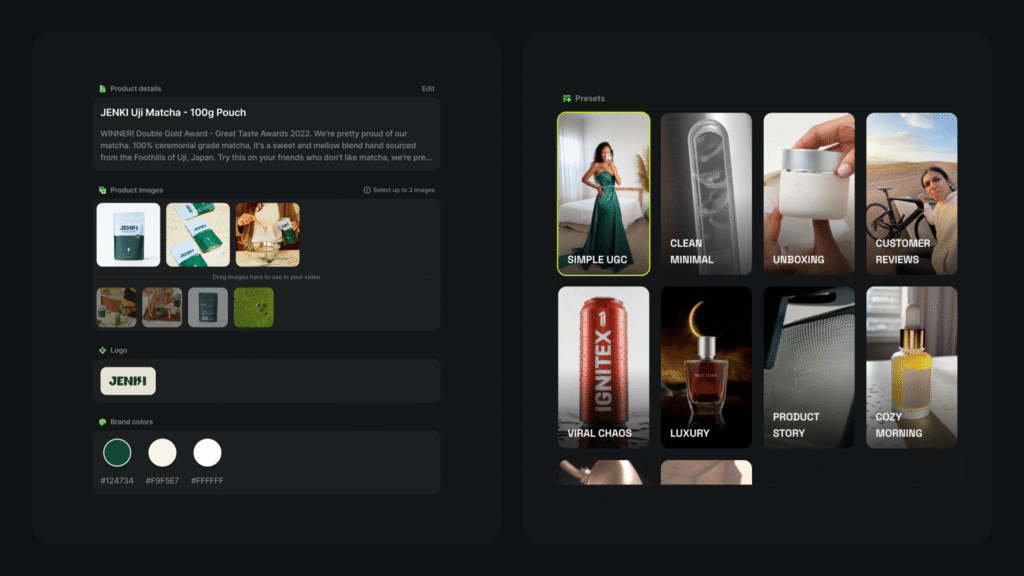
This activates the auto-scraping of assets: posters, logo, descriptions, brand colours.
- Select a video style/template.
You might want bold words, or you might want an AI avatar to talk. The tool provides different choices.
- Check the assets.
The platform allows you to preview and edit: take away or add images, adjust text if necessary.
- Hit “Generate” (or something similar).
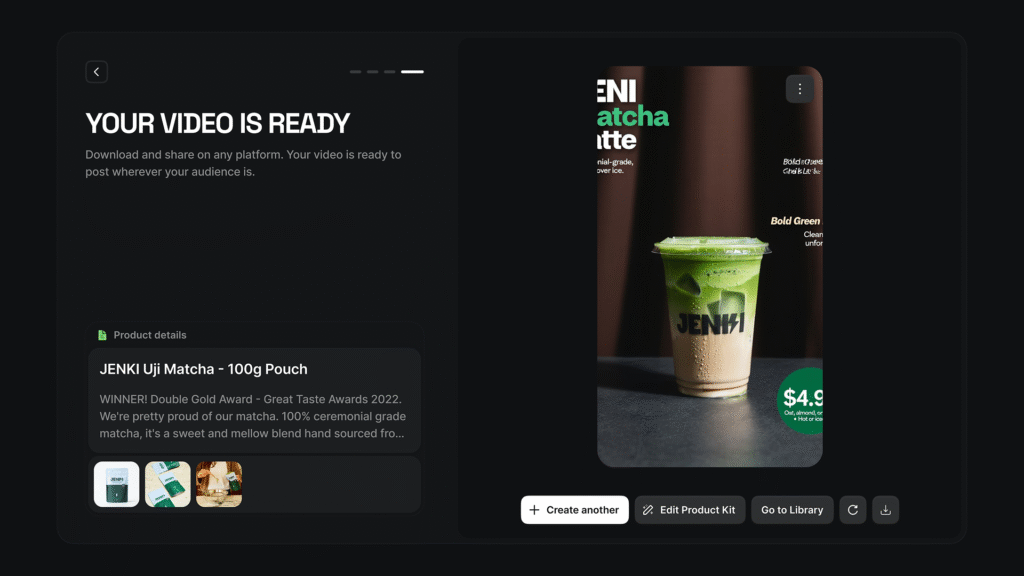
Then be patient for a little while—your video gets put together: sound, animation, captions, branding.
- Download or publish.
When it is done, you can export and place it on your social media sites.
Why It Works (and Why You’ll Love It)
1. Speed Wins in the Age of Short Attention
In the current world, the audience scrolls their feeds as if they were doing nothing in split seconds. So the quicker you transition from idea to video, the more successful it is. Higgsfield guarantees brief ads (up to about 12 seconds), just right for TikTok, Reels, and Shorts.
2. It Instantly Pulls the Assets You Need
Copy your link and the tool will automatically fetch product images, brand colours, the logo, and descriptions which means your content is half done even before you begin.
3. Zero Skills Required
Are you completely inexperienced in editing? Do you have no knowledge of fancy transitions? Do not worry. Just pick a template, insert an avatar or a voiceover if you like, and click generate. That is it.
Bonus Tips to Make It Truly Pop
- Keep your message tight. Within 12 seconds, you want clean, strong visuals + a clear call-to-action.
- Brand consistently. The tool auto-extracts your brand colours, but make sure you’re happy with the look before generating it.
- Use engaging visuals. Pick your most eye-catching product shot or hero image so the first frame stops the scroll.
- Think mobile-first. Most viewers will see it in the vertical format, so choose a template optimised for mobile (Higgsfield lists TikTok/Reels-friendly options).
- Test variations. Try different templates, avatars or voiceovers to see which style your audience responds to best.
- Monitor performance. Use your social analytics to see which version got the most views/clicks, then iterate.
Conclusion
If you have ever found yourself gazing blankly at your video editing timeline and asking yourself, “Why am I doing this?”, well, you don’t have to put up with it any longer. With AI-powered tools like Higgsfield AI’s Click to Ad feature, you can easily avoid the drama and go straight to creating a compelling video that gets noticed. It is quick, user-friendly, and designed for the social media age. So take that link, choose your style, and press generate. Your next viral video might be just a click away.
